

 Shimul Chowdhury
I. Introduction
In the digital landscape, the importance of website layout cannot be overstated. A well-structured layout is essential for providing an exceptional user experience (UX), guiding users through the site, and ensuring that information is easily accessible. An “extensive layout” refers to a design approach that accommodates complex sites or content-rich pages, allowing for a seamless flow of information. By employing an extensive layout for enhanced user experience, websites can effectively engage users, reduce bounce rates, and increase overall satisfaction.
Websites today serve as the digital face of businesses and organizations. A well-thought-out extensive layout not only draws users in but also encourages them to explore deeper, leading to more meaningful interactions with the content. The balance between aesthetics and functionality is crucial, as it impacts how users perceive and navigate a website. As we delve into the specifics of extensive layouts, we’ll explore their unique characteristics, benefits, and how they can be optimized to cater to various content types.
II. Understanding the Fundamentals of an Extensive Layout
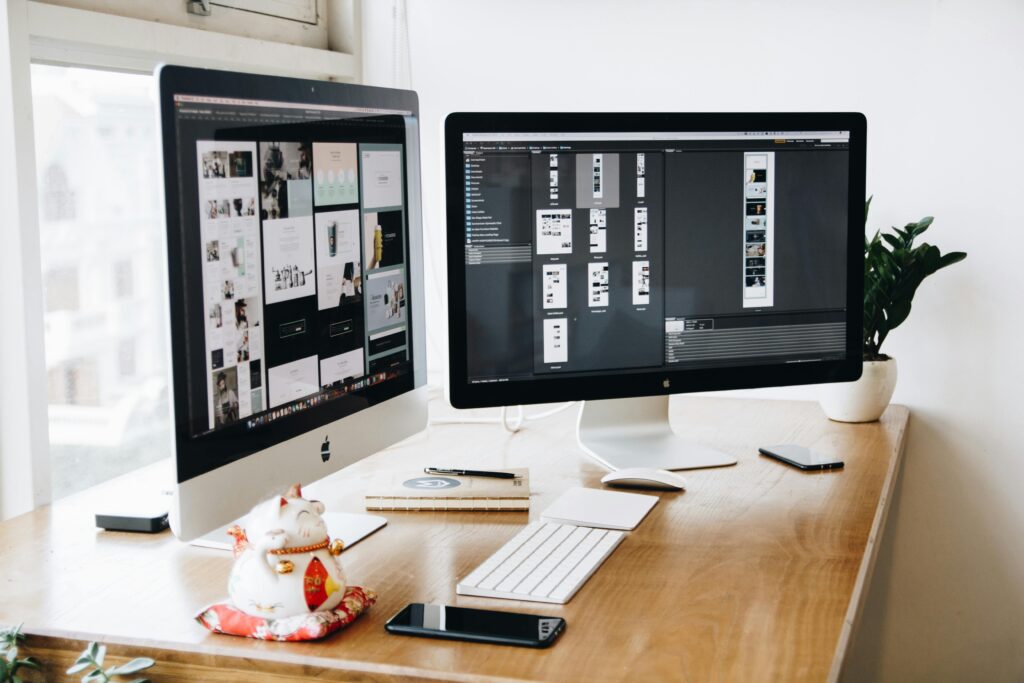
Defining an Extensive Layout
An extensive layout contrasts sharply with minimalist designs, which focus on simplicity and brevity. While minimalist layouts prioritize essential elements, extensive layouts embrace complexity, organizing detailed content into cohesive sections. This approach is particularly beneficial for websites with a wealth of information, such as news portals, e-commerce sites, and educational platforms.
For instance, an e-commerce website may need to display thousands of products, categories, and descriptions in a way that is not overwhelming. An extensive layout provides the structure necessary to make this information digestible, ensuring that users can easily navigate through categories, filter products, and find exactly what they’re looking for. The key is to strike a balance between providing enough information without overwhelming the user.
Benefits for UX
Extensive layouts are advantageous for organizing intricate content, guiding users smoothly through the site. By employing a thoughtful layout design for websites, you create a user-friendly web layout that minimizes confusion and enhances navigability. A well-executed extensive layout can lead to longer visit durations, lower bounce rates, and higher conversion rates, ultimately contributing to a more engaging user experience.
Research indicates that websites with a clear structure and easy navigation can reduce user frustration significantly. According to a study by the Nielsen Norman Group, users are 10 times more likely to engage with content on well-organized websites. This statistic underscores the importance of investing time and resources into creating an extensive layout that meets user needs.
III. Key Elements of an Effective Extensive Layout
Clear Visual Hierarchy
A clear visual hierarchy is crucial in directing users’ attention and maintaining engagement. By strategically using headings, varying font sizes, and contrasting colors, you can guide users through the content effectively.
Consider using larger, bolder fonts for headings to indicate the importance of each section, while subheadings can be slightly smaller yet still distinct. This visual distinction helps users scan the content and locate the information they need without excessive effort.
Strategic Use of Whitespace
Whitespace, or negative space, is a powerful design feature that enhances readability and prevents visual clutter. By allowing elements to breathe, you create a more enjoyable reading experience, which is particularly important in an extensive layout. Whitespace can also draw attention to key elements, such as CTAs and important announcements, making them stand out in the user’s view.
Studies show that pages with ample whitespace can increase comprehension by up to 20%. By integrating whitespace effectively, you not only enhance the aesthetics of your layout but also improve user understanding and retention of information.
Consistent and Intuitive Navigation
Navigation plays a pivotal role in extensive layouts. Consistency across pages ensures users can easily locate information, reducing frustration and enhancing usability. A well-structured navigation system allows users to move fluidly through the site, improving the overall experience.
You can consider using a sticky navigation bar that remains visible as users scroll. This feature allows users to access different sections of your site without having to scroll back up, making it easier to explore your content without interruptions.
Responsive Design for All Devices
In an era where mobile traffic accounts for over 50% of global web traffic, making extensive layouts mobile-friendly is paramount. A responsive design ensures that your layout adapts seamlessly across devices, retaining users regardless of how they access your site.
Mobile users sometimes have different needs and expectations than desktop users. By optimizing your extensive layout for mobile, you can enhance the user experience significantly. This involves ensuring that text is legible on smaller screens, images are appropriately sized, and navigation remains intuitive.
By integrating features like user-friendly navigation in extensive layouts, websites can significantly enhance their user experience. Statistics reveal that 57% of users will not recommend a business with a poorly designed mobile site, highlighting the critical nature of responsive design in today’s digital landscape.
IV. Step-by-Step Guide to Designing an Extensive Layout
Define Content Structure and User Flow
To create an effective extensive layout, start by organizing your content logically. This involves defining the user flow, ensuring that information is presented in a manner that guides users intuitively through the site. A well-structured flow reduces cognitive load and allows users to find what they need effortlessly.
Mapping out user personas and their journeys can be beneficial in this stage. Understanding how different users will interact with your site helps in tailoring the content structure to meet their specific needs.
Create Wireframes for Layout Planning
Wireframes are essential tools for planning an extensive layout. They provide a visual guide that outlines the structure and elements of your website, allowing you to experiment with different configurations before finalizing your design. This step is crucial in visualizing how content will interact within the layout.
Utilizing tools like Sketch, Adobe XD, or Figma can aid in creating wireframes. These tools offer various templates and functionalities that streamline the design process, enabling you to focus on the layout’s effectiveness rather than getting bogged down by aesthetic details prematurely.
Focus on Interactive Elements (CTAs, Forms)
Strategically placing calls-to-action (CTAs) and forms within your extensive layout is vital for increasing engagement. These interactive elements should be easily accessible and clearly defined, guiding users toward desired actions without overwhelming them with too much information.
For instance, CTAs should stand out visually, perhaps by using contrasting colors or larger fonts, while forms should be straightforward, with only essential fields required to reduce friction. Ensuring that these elements are intuitive can significantly improve conversion rates.
Conduct A/B Testing for Optimization
A/B testing allows you to identify the most effective layout features. By comparing two or more variations of your layout, you can determine which design elements resonate best with your audience. This iterative process is key to designing user-friendly layouts that adapt to user preferences.
Statistics show that A/B testing can lead to conversion rate increases of up to 300%. By continually refining your layout based on real user data, you can ensure that your extensive layout not only meets expectations but exceeds them.
V. Examples of Extensive Layouts Done Right
Several industries successfully utilize extensive layouts to enhance user experience. For instance, e-commerce sites like Amazon employ extensive layouts to organize vast product selections, utilizing filters and categories that guide users toward their desired items.
Informational sites like Wikipedia use extensive layouts to present detailed articles, effectively utilizing headings and links to navigate complex content. This allows users to dive deeply into topics without feeling lost.
Portfolios, such as those from graphic designers, often feature extensive layouts that showcase multiple projects in a visually appealing manner. These layouts can highlight the artist’s versatility and creativity, drawing potential clients in.
Case Study: E-Commerce Example
Take a look at the e-commerce giant, Amazon. Their extensive layout incorporates various product categories, user reviews, and detailed descriptions all on a single page. This structure not only makes information easily accessible but also encourages users to explore related products. By effectively using visual hierarchy and whitespace, Amazon ensures that users are engaged without feeling overwhelmed.
Each of these examples highlights the effective use of extensive layout elements that enhance user experience, providing clear navigation and engaging content.
VI. Common Mistakes to Avoid in Extensive Layouts
Overloading with Content
One of the most significant pitfalls in extensive layouts is overloading pages with too much information. When users encounter an overwhelming amount of content in one area, they can quickly become frustrated and leave the site. Striking the right balance between detail and clarity is essential for maintaining engagement.
Ignoring Page Load Speed
Page load speed directly impacts user experience and SEO. Extensive layouts can be content-heavy, so optimizing images and minimizing the use of heavy scripts is crucial. Studies show that a one-second delay in load time can result in a 7% reduction in conversions, emphasizing the need for speed.
Lack of Consistent Design Elements
Consistency in design elements—such as fonts, colors, and navigation—is vital for extensive layouts. Inconsistent design can confuse users and detract from their overall experience. Establishing a cohesive design system ensures that users feel comfortable navigating your site.
Being aware of layout design mistakes and avoiding extensive layout pitfalls can create a more effective user experience. Moreover, regularly reviewing analytics can help identify potential issues before they escalate.
VII. Final Tips for Designing an Extensive Layout with Zeireed
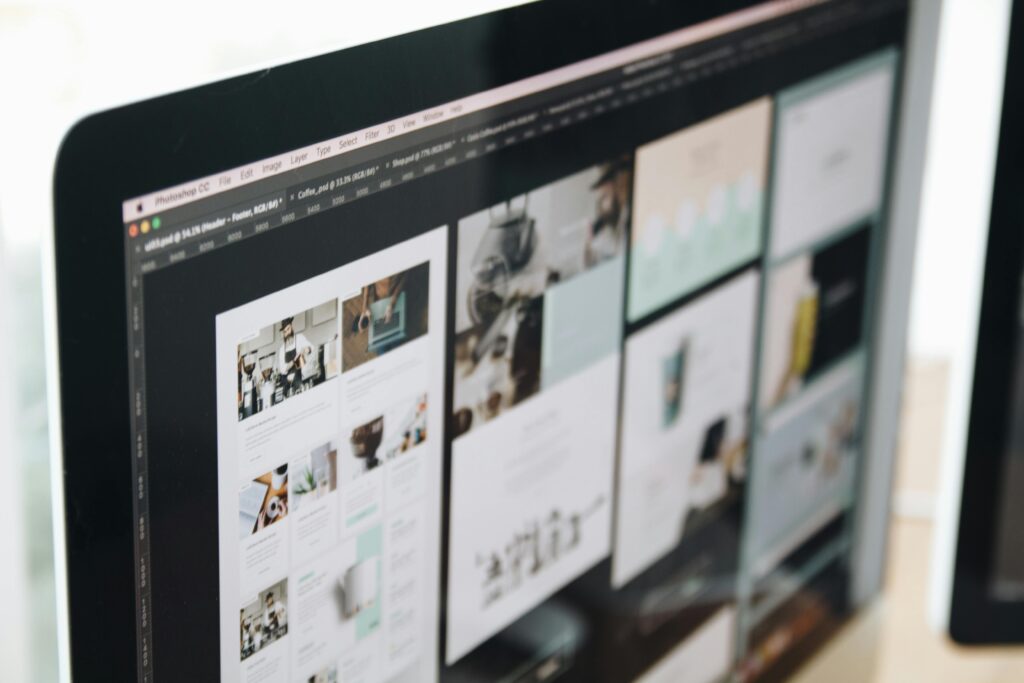
Creating a user-focused extensive layout requires a combination of strategic design principles and user-centered thinking. Here are some final tips for optimizing your layout:
- Keep Content Organized: Use clear categories and headings to help users navigate complex information. Consistent labeling across categories will minimize confusion.
- Prioritize Mobile Optimization: Ensure your extensive layout is responsive and user-friendly across devices. Test your layout on various screen sizes to guarantee usability.
- Regularly Update Content: Keep your site fresh and relevant by updating content regularly, ensuring that users return for new information. An active website signals reliability and engagement.
For those looking to elevate their website’s design, consulting with experts like Zeireed can provide valuable insights. Zeireed specializes in designing optimized, conversion-focused layouts that prioritize user experience. Their expertise can help you avoid common pitfalls and leverage best practices to create an outstanding web presence.
VIII. Conclusion
Designing an extensive layout is a powerful approach to creating a website that truly enhances user experience. By implementing key elements like a clear visual hierarchy, intuitive navigation, and responsive design, you can guide users through content effortlessly and keep them engaged. When thoughtfully designed, an extensive layout not only improves user satisfaction but also boosts SEO and conversion rates, making it a valuable investment for any content-rich or business-oriented website.
If you’re ready to optimize your website with an extensive, user-friendly layout, Zeireed’s expert team is here to help. With our expertise in web design and UI/UX, we create layouts that align with your brand goals and deliver a seamless experience to your audience. Reach out to us today to take your website design to the next level.