


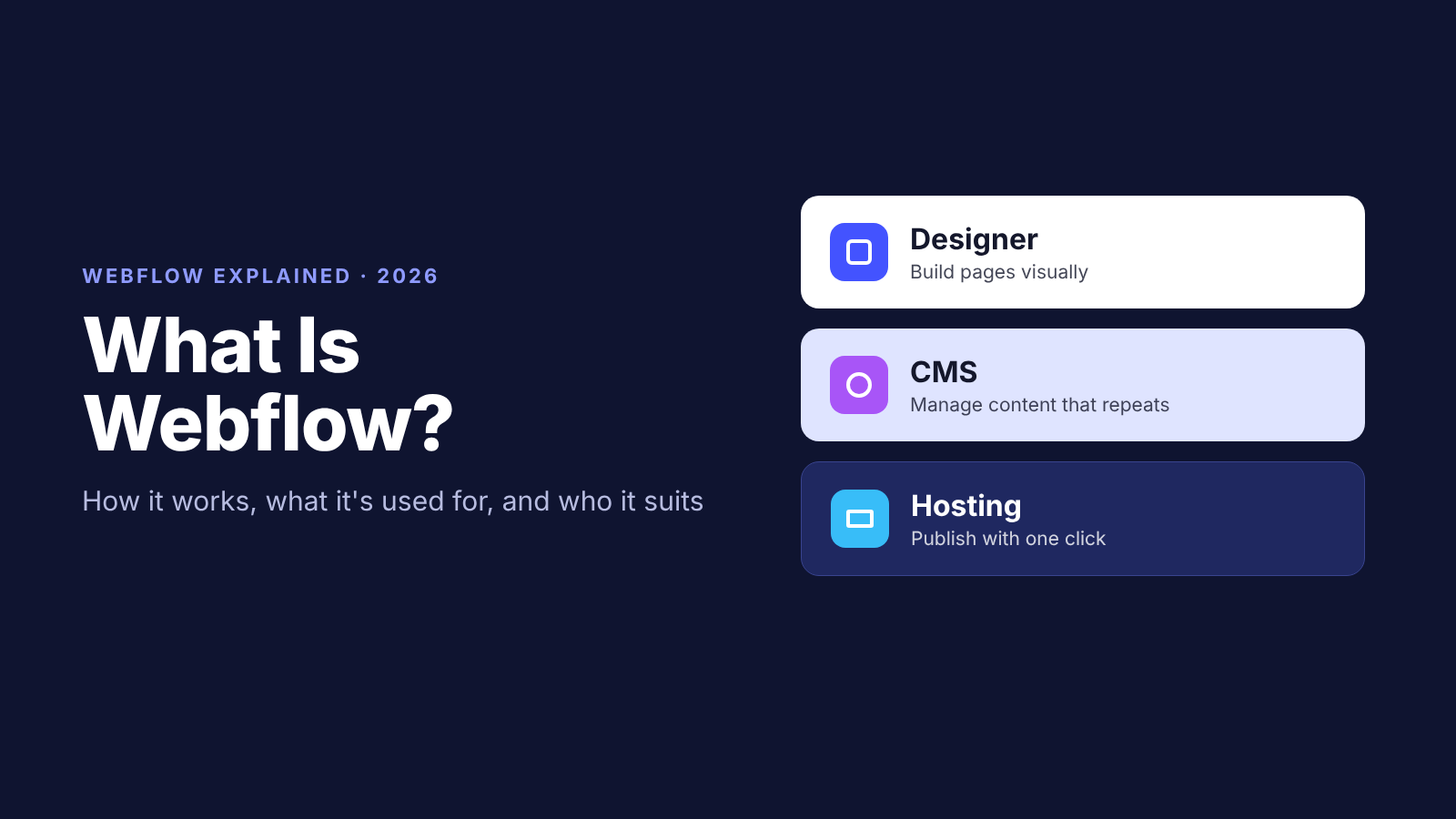
Webflow is a visual website platform that lets you design, manage and host a professional website in one place. You build pages on a visual canvas that writes the HTML and CSS for you, manage content in a built-in CMS, and publish to Webflow’s managed hosting. Since 2026, Webflow has described itself as an “agentic web platform”.
Key takeaways
- What it is: a website builder, a content management system (CMS) and a hosting service combined in one subscription.
- How it works: you design in the Webflow Designer, store repeatable content in CMS Collections, and publish to hosting that runs on AWS and Cloudflare.
- What it’s used for: marketing websites, blogs and resource hubs, landing pages, portfolios, small online stores and multi-language sites.
- Who it suits: businesses that want custom design and want their marketing team to edit the site without waiting on a developer.
What Is Webflow?
Webflow is a software company and the platform it makes. Webflow, Inc. was founded in 2013 and is based in San Francisco. Its CEO is Linda Tong. Webflow says more than 300,000 companies use the platform, and it names brands such as Dropbox, Spotify, Reddit, The New York Times and TED among its customers.
For a sense of scale, the web technology survey W3Techs reports that Webflow runs about 0.8% of all websites and holds about 1.2% of the CMS market as of November 2026. That is far smaller than WordPress, but Webflow is widely used for company marketing sites, where design quality and easy editing matter most.
Webflow has also changed how it describes itself. It now calls itself an “agentic web platform”, meaning a platform where people and AI agents build and improve websites together. In September 2026 it announced Source by Webflow, a new workspace where marketing teams and AI agents work on websites together. Source is still in a limited research preview, and Webflow says its existing platform will keep running alongside it.
What is a Webflow website?
A Webflow website is any site designed in Webflow and usually hosted on Webflow. To a visitor it looks like any other website. Behind the scenes, its pages were built visually in the Webflow Designer, its content often lives in the Webflow CMS, and it is served from Webflow’s hosting. You can’t always tell a site is built on Webflow by looking at it, which is the point: there is no fixed template style.
How Does Webflow Work?
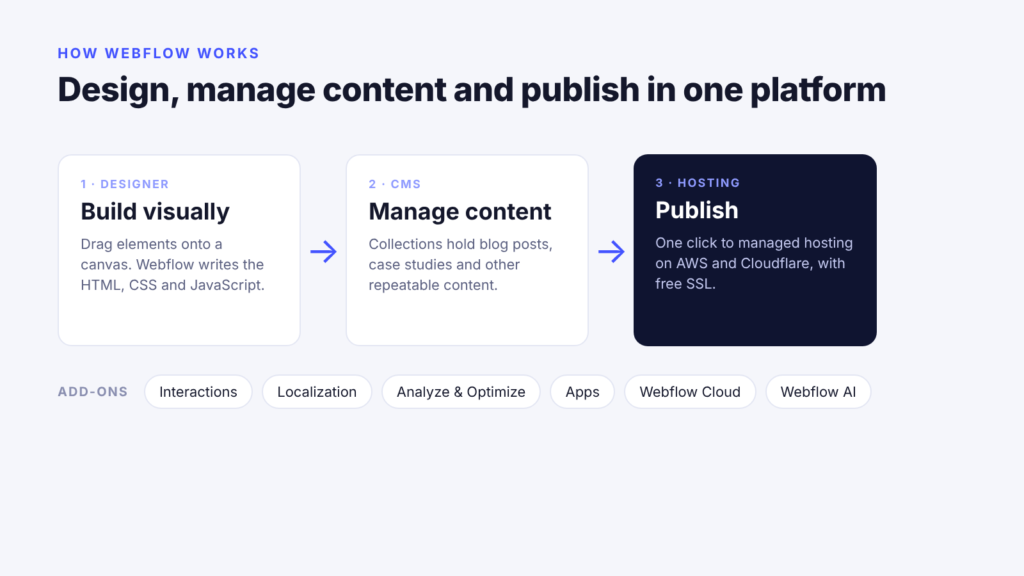
Webflow has three core parts that work together: the Designer, the CMS and hosting. Most of what you do happens in the Designer, while the CMS and hosting run in the background.
The Designer: build pages visually
The Designer is a visual canvas in your browser. You add elements such as sections, text, images, buttons and forms, then style them with panels that mirror real CSS properties: layout, spacing, typography and colors. As you work, Webflow writes the HTML, CSS and JavaScript for you.
This is what separates Webflow from simpler builders. You are not dragging blocks around a fixed template. You are building a real web page with full control over layout, and you can set how it behaves on desktop, tablet and phone. That control comes with a learning curve, especially if you have never worked with web layout concepts.
The CMS: manage content that repeats
The Webflow CMS stores content that follows a pattern, such as blog posts, case studies, team members or job listings. You set up a Collection with fields (title, image, author, date), design one template page, and every item in the Collection uses that design. Your team then adds and edits items without touching the layout.
The CMS is included on the Premium site plan, which allows up to 20,000 items across 40 Collections.
Hosting: publish with one click
When you click Publish, your site goes live on Webflow’s managed hosting. Webflow says its hosting runs on AWS infrastructure with Cloudflare’s global network delivering pages to visitors. Paid site plans include a custom domain, a free SSL certificate and automatic backups. Webflow advertises 99.99% uptime, but a formal uptime guarantee (an SLA) comes with Enterprise plans.
Because hosting is managed, you don’t install updates, patch plugins or configure servers. The trade-off is that your site lives on Webflow’s platform. You can export your site’s code, but only on a paid Workspace plan, and the export does not include CMS content, Ecommerce or localized pages.
Add-ons and extras
Around the core, Webflow offers optional tools:
- Interactions: scroll effects and animations built in the Designer.
- Localization: translated versions of your site for different languages and regions.
- Analyze and Optimize: built-in analytics, A/B testing and personalization.
- Apps: a marketplace of integrations for forms, CRMs, analytics and more.
- Webflow Cloud: hosting for developer-built apps alongside your site.
- Webflow AI: an AI site builder, an in-app assistant and connections to outside AI tools. See our review of Webflow’s AI website builder.
What Is Webflow Used For?
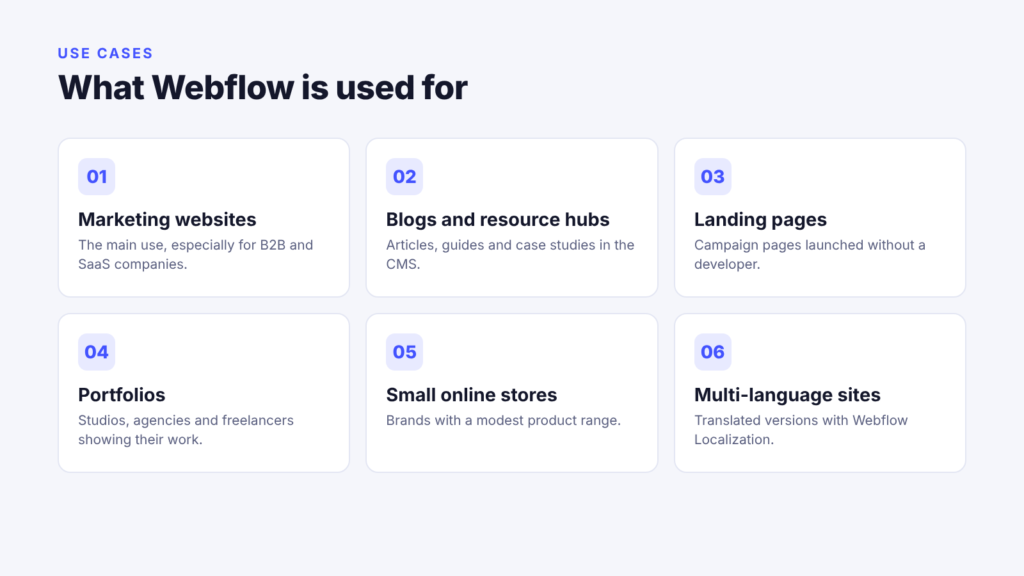
Webflow is used mostly for websites that a marketing team needs to update often and that need to look distinctive. Common uses include:
- Company marketing websites: the main use case, especially for B2B and SaaS companies.
- Blogs and resource hubs: articles, guides, case studies and glossaries managed in the CMS.
- Landing pages: campaign pages your team can launch without a developer.
- Portfolios: design studios, agencies and freelancers showing their work.
- Small online stores: Webflow Ecommerce suits brands with a modest product range and a strong visual identity.
- Multi-language sites: using Webflow Localization.
Webflow’s customer list includes Dropbox, Spotify, Reddit, The New York Times and TED.
Is Webflow a Website Builder or a CMS?
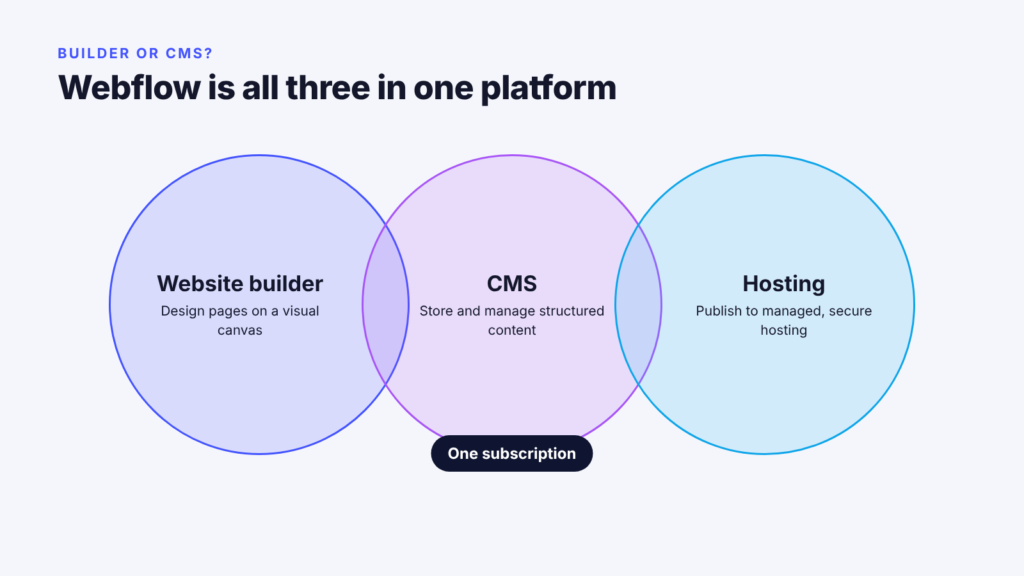
Webflow is both, plus a hosting service. It is a website builder because you design pages visually. It is a CMS because it stores and manages structured content. And it hosts the finished site. Many platforms only do one or two of these.
| Platform | How you build | Hosting | Extending it |
| Webflow | Visual canvas with full layout control | Included and managed | Apps marketplace, custom code |
| Wix and Squarespace | Template-based editors | Included and managed | Built-in apps and extensions |
| WordPress (self-hosted) | Themes and page builders | You choose and manage your host | Tens of thousands of plugins, open-source code |
None of these is right for everyone. Wix and Squarespace are quicker to learn. WordPress gives you the most control over code and hosting. Webflow sits between them: more design control than template builders, without the plugin and server upkeep of WordPress.
No-code, low-code or visual development?
Webflow is often called a no-code website builder, and you can build a complete site without writing code. A more accurate term is visual development. You work visually, but you are making the same decisions a front-end developer makes, and you can add custom code when you need it. That is why both non-developers and professional developers use it.
Why Companies Choose Webflow
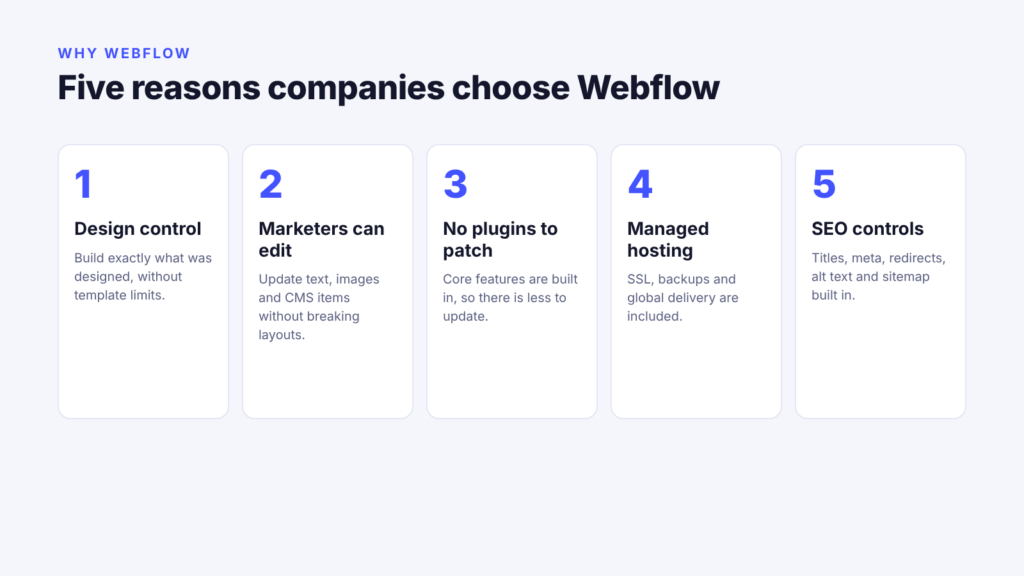
Companies pick Webflow for a handful of practical reasons:
- Design control: designers can build exactly what they designed, without being boxed in by a template.
- Marketers can edit without developers: content editors can update text, images and CMS items in the browser without breaking the layout.
- No plugins to patch: core features are built in, so there is less to update and fewer security holes from third-party add-ons.
- Managed hosting: SSL, backups and global delivery are included in the site plan.
- SEO controls: you can edit titles, meta descriptions, URLs, 301 redirects, alt text and the sitemap without a plugin.
The limitations to know
Webflow is not perfect. The Designer takes time to learn. Costs stack up, because you may pay for a site plan, a Workspace plan and editor seats. And leaving is harder than on WordPress, since code export leaves out your CMS content and Ecommerce.
How Much Does Webflow Cost?
Webflow charges per website through site plans. It changed its plans in May 2026, merging the old CMS and Business plans into a single Premium plan. Prices as of November 2026:
| Plan | Billed yearly | Billed monthly | Best for |
| Starter | Free | Free | Trying Webflow on a webflow.io address (2 static pages) |
| Basic | $15/mo | $25/mo | Simple sites without a CMS (up to 300 static pages) |
| Premium | $25/mo | $39/mo | Sites with a blog or CMS content (20,000 items) |
| Ecommerce | From $29/mo | See Webflow’s pricing page | Online stores (Standard, Plus and Advanced tiers) |
| Team and Enterprise | Annual contract | n/a | Larger teams that need more seats, governance and support |
Workspace plans and editor seats are billed separately from site plans. The cost of designing and building the site is separate again.
Who Webflow Is Best For, and Who Should Pick Something Else
At Zeireed we build on WordPress, Duda, Shopify and Webflow, so we recommend the platform that fits the project rather than defaulting to one.
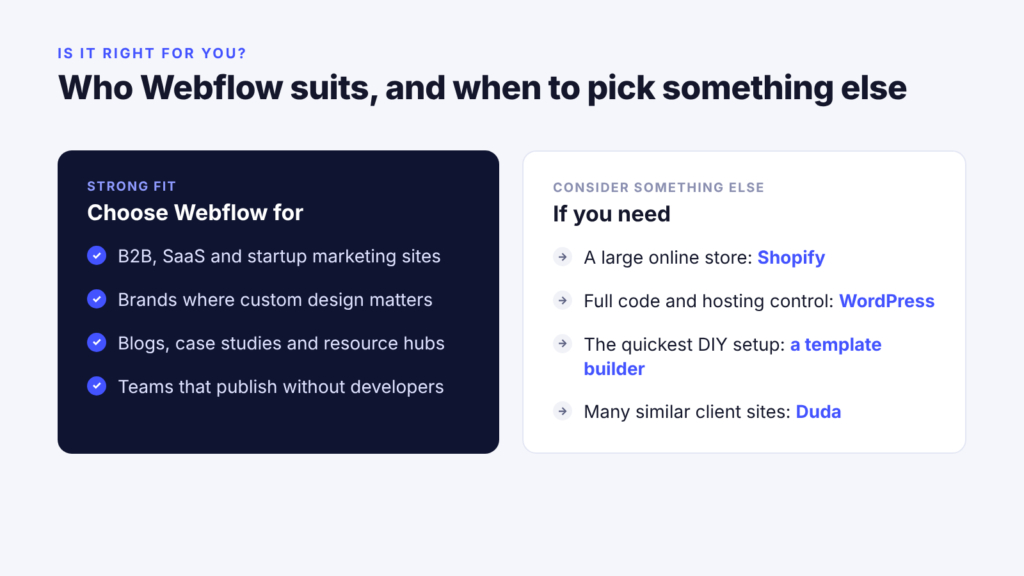
Webflow is a strong fit for:
- B2B, SaaS and startup marketing sites that change often.
- Brands where custom design is part of how they win customers.
- Content-led sites with a blog, case studies or a resource hub.
- Marketing teams that want to publish without waiting on developers.
Consider something else if:
- You run a large online store. Webflow’s Ecommerce plans cap the number of items, and a platform built for commerce such as Shopify usually suits large catalogues better.
- You need full control over code and hosting. Self-hosted WordPress is open source and portable.
- You want the quickest possible DIY setup. A template builder may get a simple site live faster with less learning.
- You manage many similar client sites. An agency platform such as Duda may be more efficient.
Frequently Asked Questions
What is Webflow used for?
Webflow is mainly used to build and run company marketing websites, blogs, landing pages, portfolios and small online stores. Its visual Designer, built-in CMS and managed hosting make it popular with marketing and design teams.
Is Webflow free?
Webflow has a free Starter plan that lets you build and publish a small site (2 static pages) on a webflow.io address. A custom domain needs a paid site plan, starting with Basic at $15 a month billed yearly.
Do you need to know how to code to use Webflow?
No. You can build a full website visually. Understanding basic web layout concepts such as boxes, spacing and responsive design makes Webflow much easier, and you can add custom code when you need it.
Is Webflow better than WordPress?
It depends on what you need. Webflow offers more design control out of the box and no plugins or servers to maintain. WordPress offers open-source code, a huge plugin library and the freedom to host anywhere.
What big companies use Webflow?
Webflow lists Dropbox, Spotify, Reddit, The New York Times and TED among its customers, and says more than 300,000 companies use the platform.
Can you leave Webflow?
Yes, but plan for it. On a paid Workspace plan you can export your site’s HTML, CSS, JavaScript and assets. CMS content, Ecommerce and localized pages are not included in the code export, so CMS items need to be exported separately and rebuilt on the new platform.
Is Webflow good for SEO?
Webflow gives you the main on-page SEO controls without plugins: titles, meta descriptions, clean URLs, 301 redirects, alt text and an automatic sitemap. Rankings still depend on your content, site structure and links.
See Webflow Sites We’ve Built
If Webflow sounds like the right fit, the best next step is to see what it can do in practice. Browse the Webflow work and guides from our team, or learn about our Webflow website development services.
Not sure Webflow is the right platform? Book a consultation and we’ll recommend the platform that fits your goals, whether that’s Webflow, WordPress, Duda or Shopify.


Join the conversation
No comments yet — share a question or your own experience. Your email stays private.